How to build a pre-lander for a new GEO with SafePage Generator
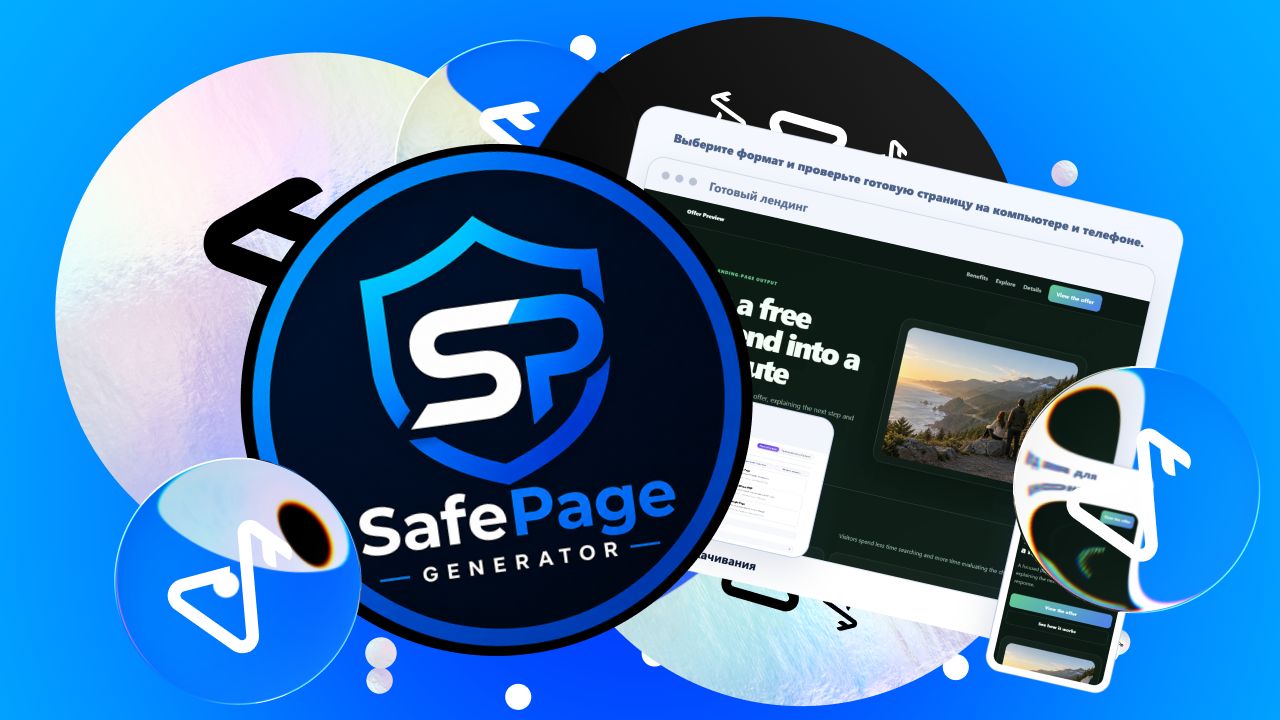
New offer, new GEO, same production problem: before you can test traffic, you need a page ready. Sometimes it is a pre-lander, sometimes a landing page, and sometimes you need several versions for different angles or markets. SafePage Generator is built for that part of the job. You choose the page format, enter the offer, GEO, language and other inputs, generate the page, check the finished result in Preview and export the project as an editable ZIP.
SafePage currently has 15 specialized generators and supports 50 languages. The screenshots below use a neutral demo prompt so the workflow is easy to follow; in a real campaign, you would replace it with the inputs for your offer, GEO, language, angle and destination URL.
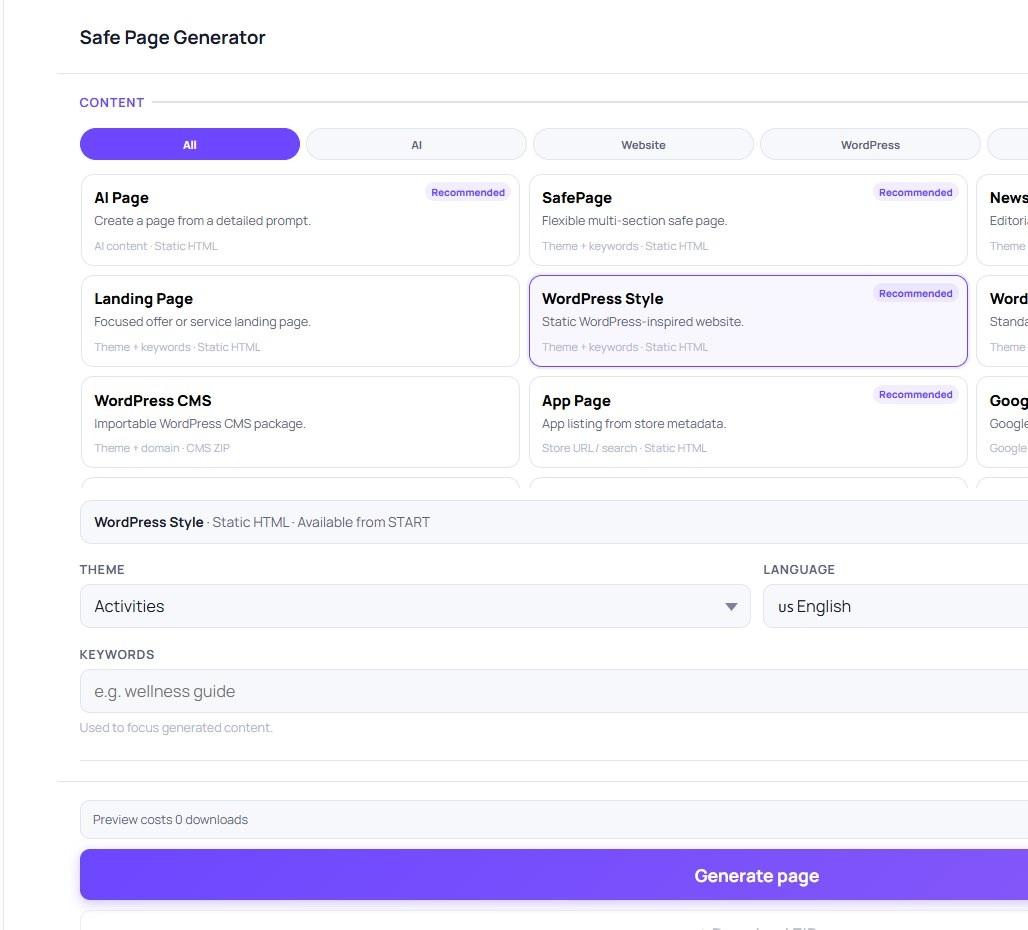
SafePage generator catalog: choose the page format that matches the test.
Step 1. Choose the page format
Start with the format you actually need. If the test calls for a pre-lander, open Prelander Studio. If you need a landing page, a multi-page campaign site, a WordPress-style page or another supported format, choose the corresponding generator instead.
This sounds obvious, but it matters when a team is running several tests at once: the same service can handle different page jobs without forcing every campaign into one template.
Step 2. Give the generator the campaign brief
Inside Prelander Studio, describe the product or page idea, choose the vertical and language, and select the content style. You can also add keywords and a destination URL when needed.
In practice, this is where the usual media-buying brief goes: what you are promoting, which GEO you are targeting, what language the page should use and where the user should go next.
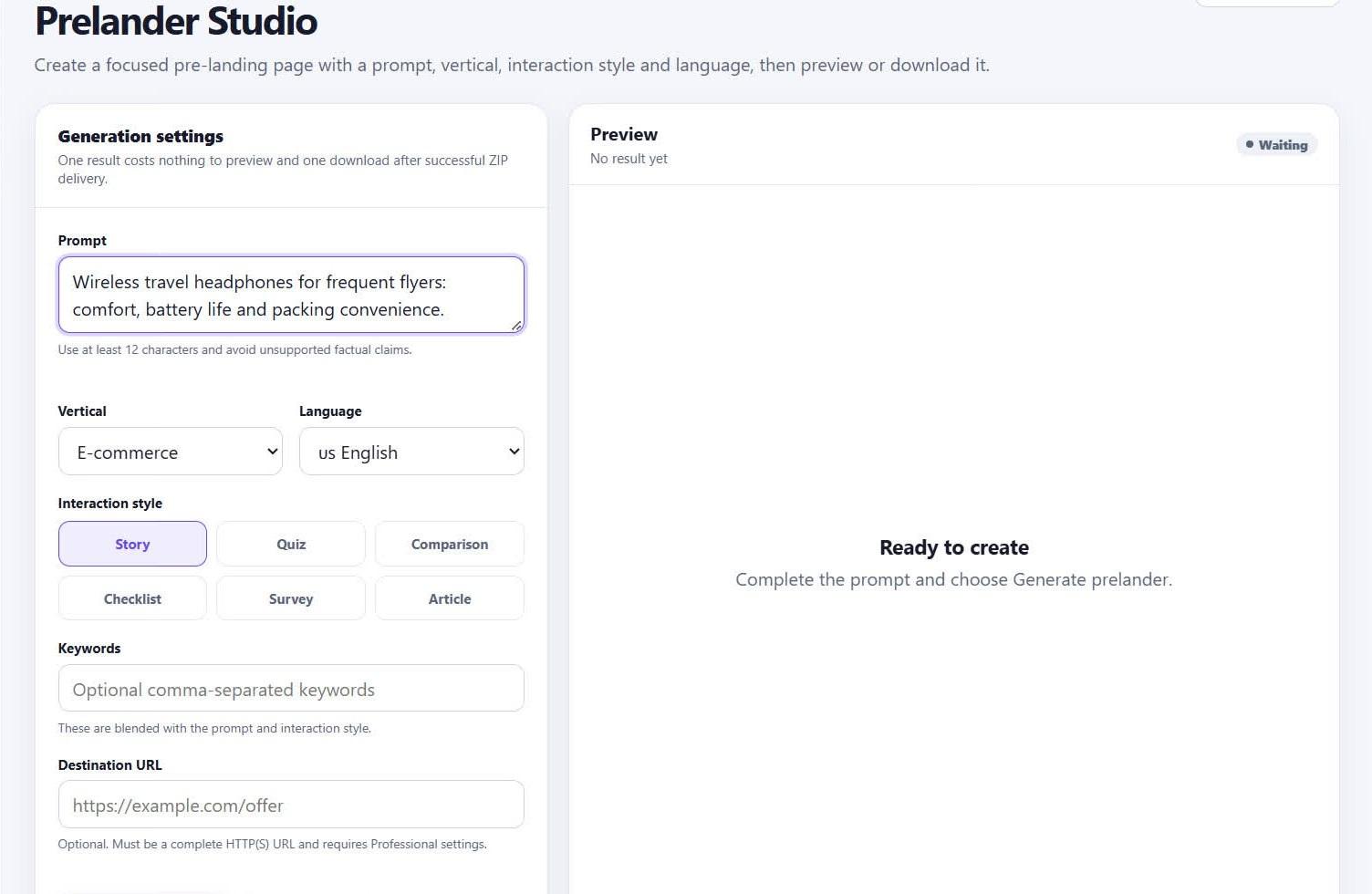
Prelander Studio: the campaign brief is entered directly in the generator.
Once the inputs are ready, click Generate. SafePage builds the page and opens the result in Preview.
Step 3. Check the page in Preview before export
Preview is part of the same flow, not a separate handoff. You can immediately see what the generated page looks like before you download anything.
For a buyer testing a new angle or GEO, this is the useful checkpoint: review the actual page, decide whether it is the version you want to test and then move straight to export.
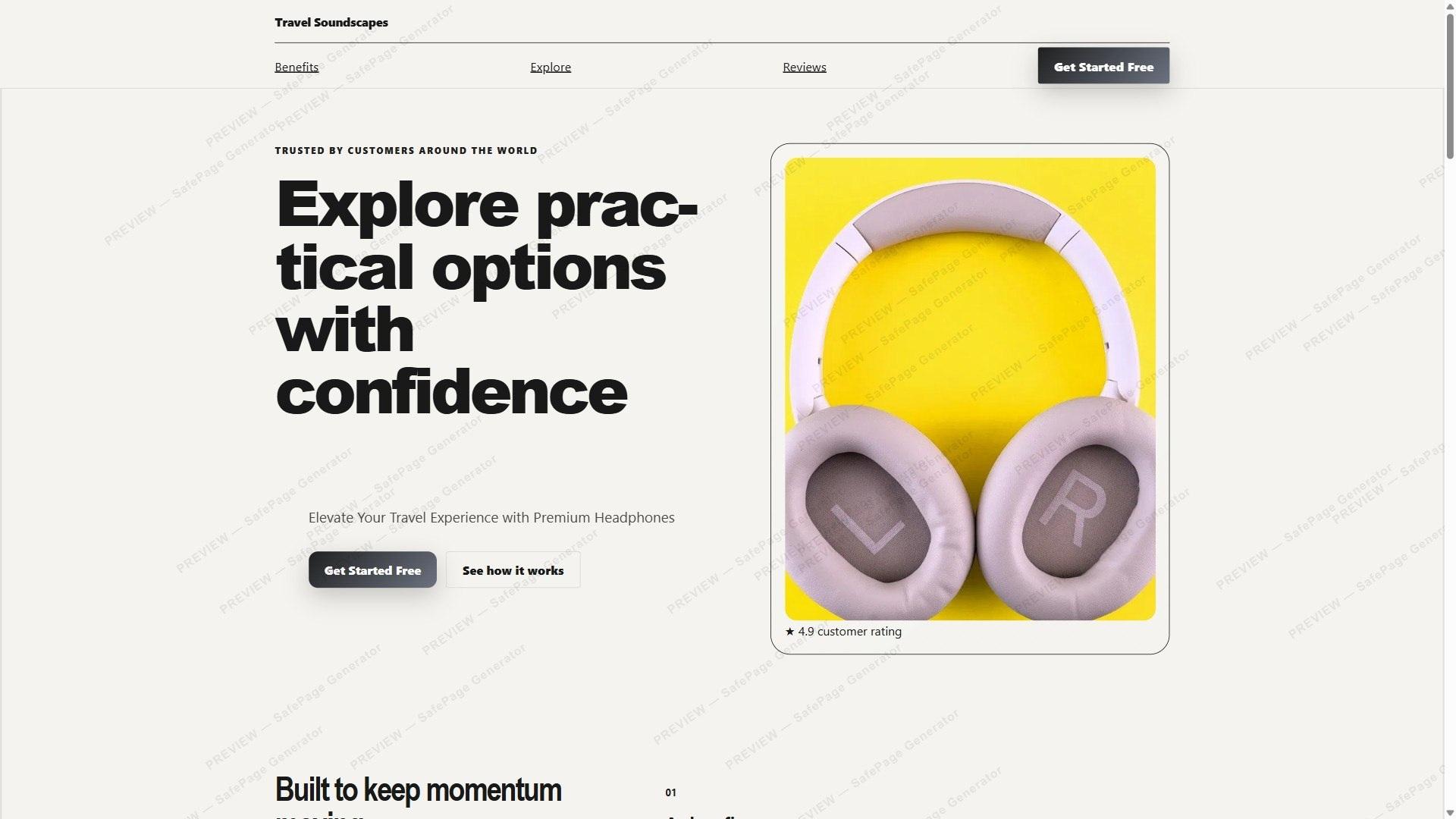
Generated page in Preview.
Step 4. Download the finished project as ZIP
When the page is ready, download the project as a ZIP archive. The output is not locked inside the generator: you keep the page files and can use them in your own campaign infrastructure.
The basic loop is short: offer / GEO / language → Generate → Preview → ZIP. That is the part SafePage is trying to compress, especially when the next test needs to go live quickly.
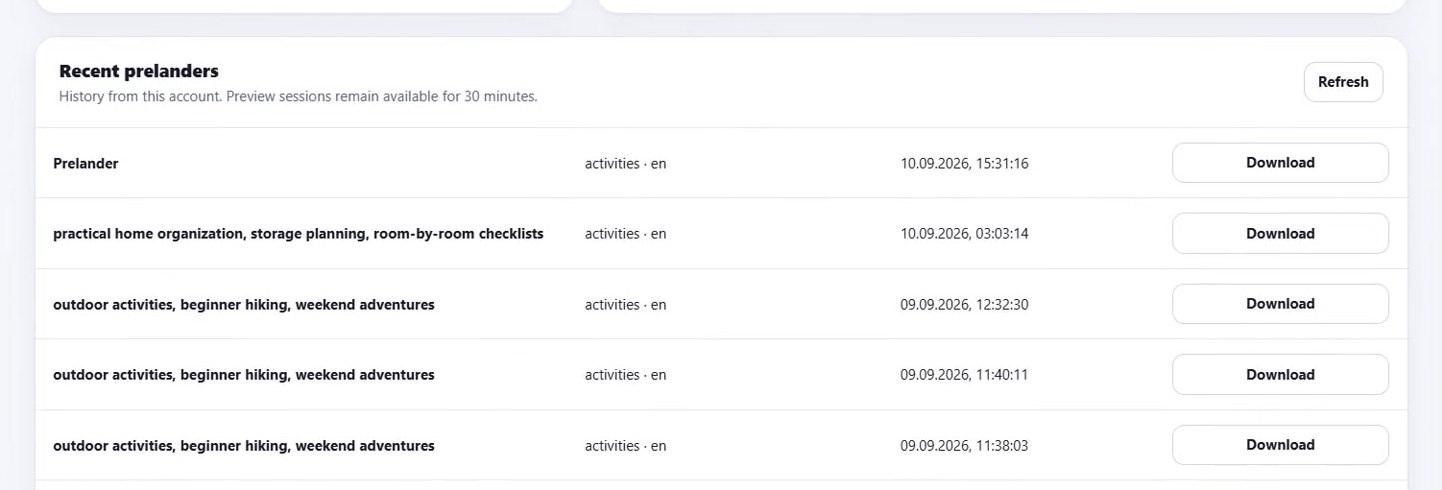
Generated pre-landers stay in the account history and can be downloaded again.
Step 5. Repeat the same flow for more GEOs and variants
One page is rarely the end of the job. A working campaign may need another language, another GEO, a different angle or a different page format. Instead of starting from a blank project each time, you can reuse the same generation flow with new inputs.
SafePage supports 50 languages, so the process stays familiar when the market changes. For supported bulk scenarios, Bulk Generation can package up to 100 pages into one ZIP, which is useful when a team needs many variants in one production batch.
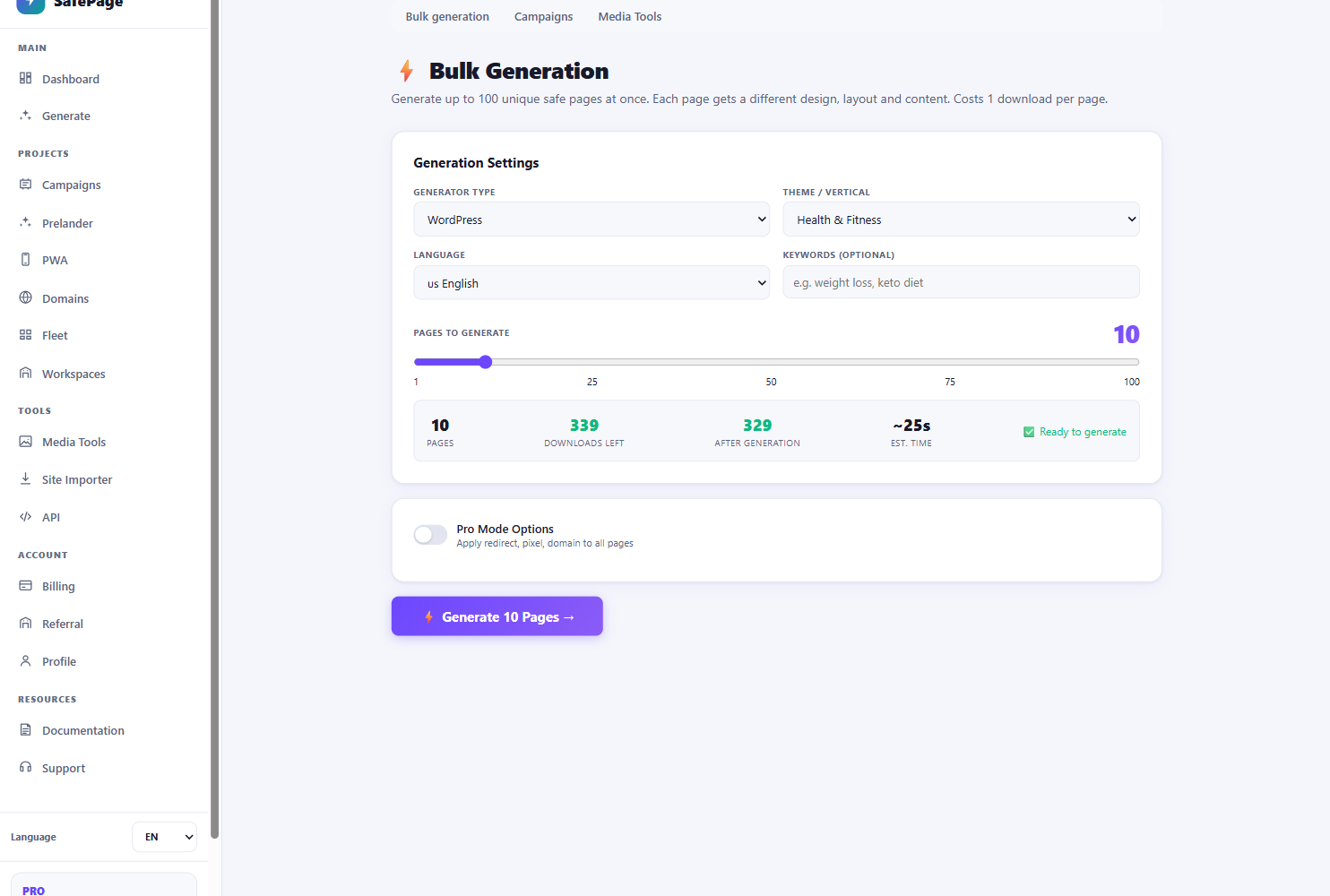
Bulk Generation: choose generator, vertical, language and batch size for up to 100 pages.
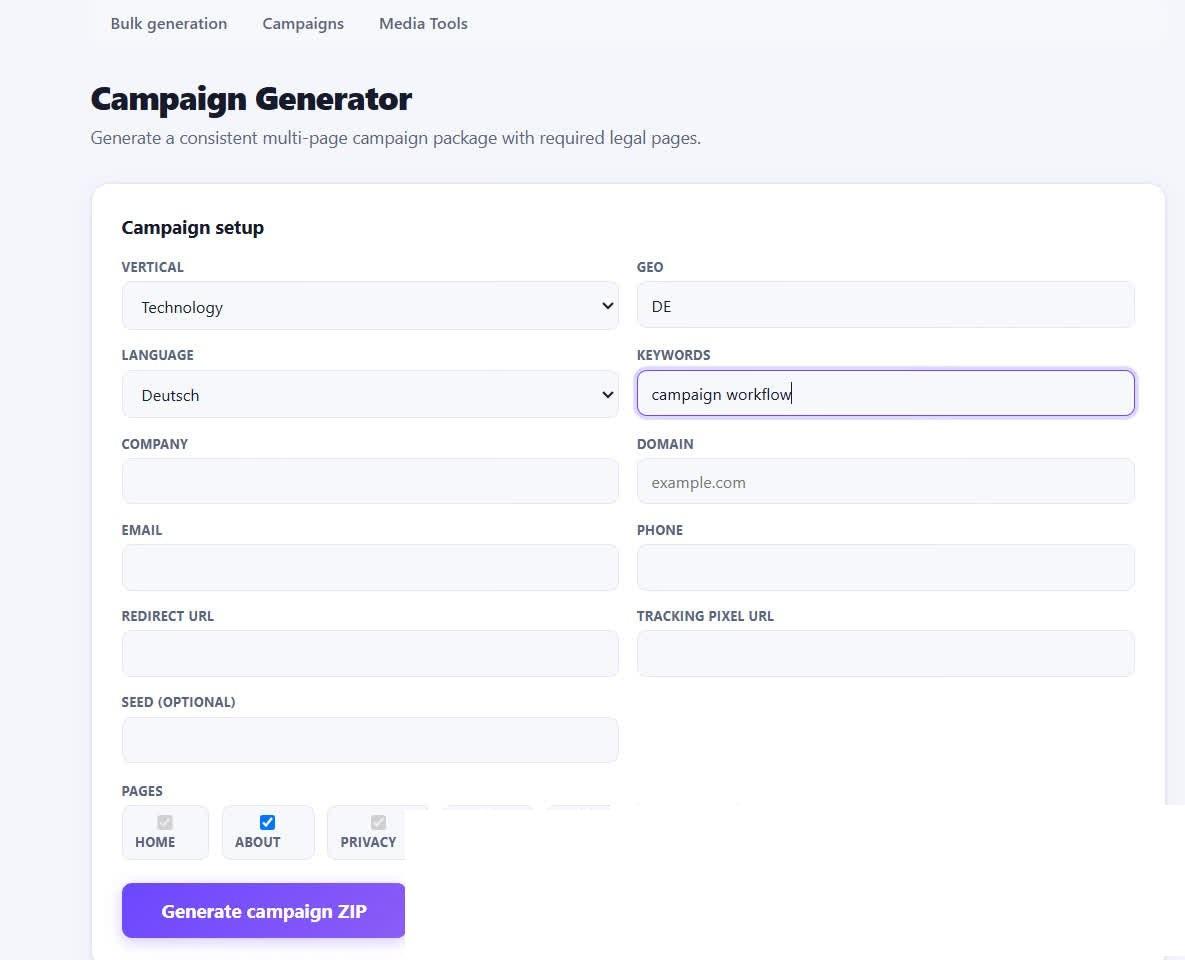
Campaign Generator: GEO, language and multi-page package settings.
If you work at scale: API and team tools
For teams that already have an internal workflow, SafePage also exposes a REST API. Supported generators can be launched from your own system instead of being started manually from the dashboard every time.
There are also tools around the generation process: Fleet keeps generated projects in one place, Workspaces helps organize team access, and Domain Center covers domain-related deployment tasks. These are more relevant once page production becomes a recurring team process rather than an occasional task.
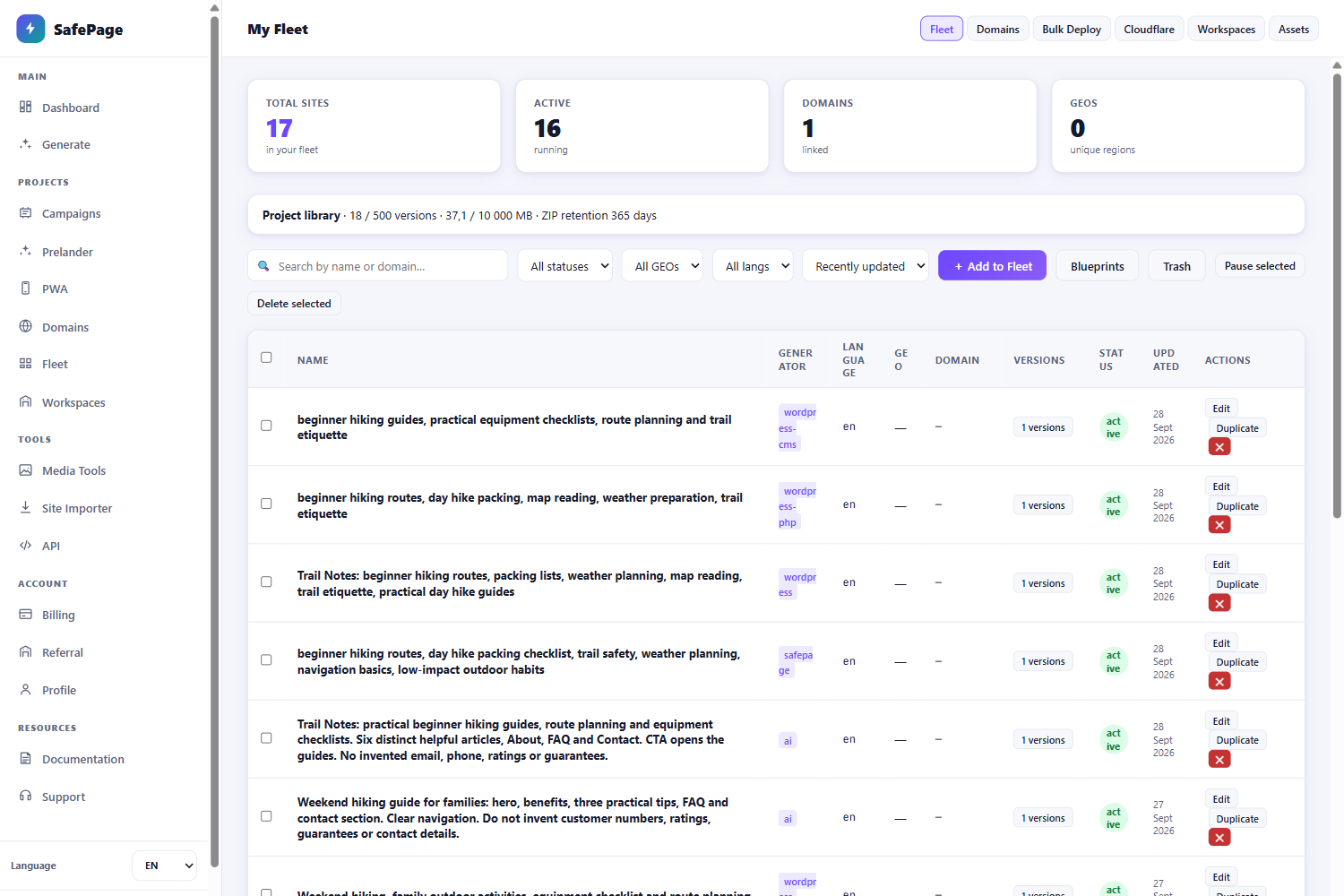
Fleet keeps generated projects, statuses and versions in one place.
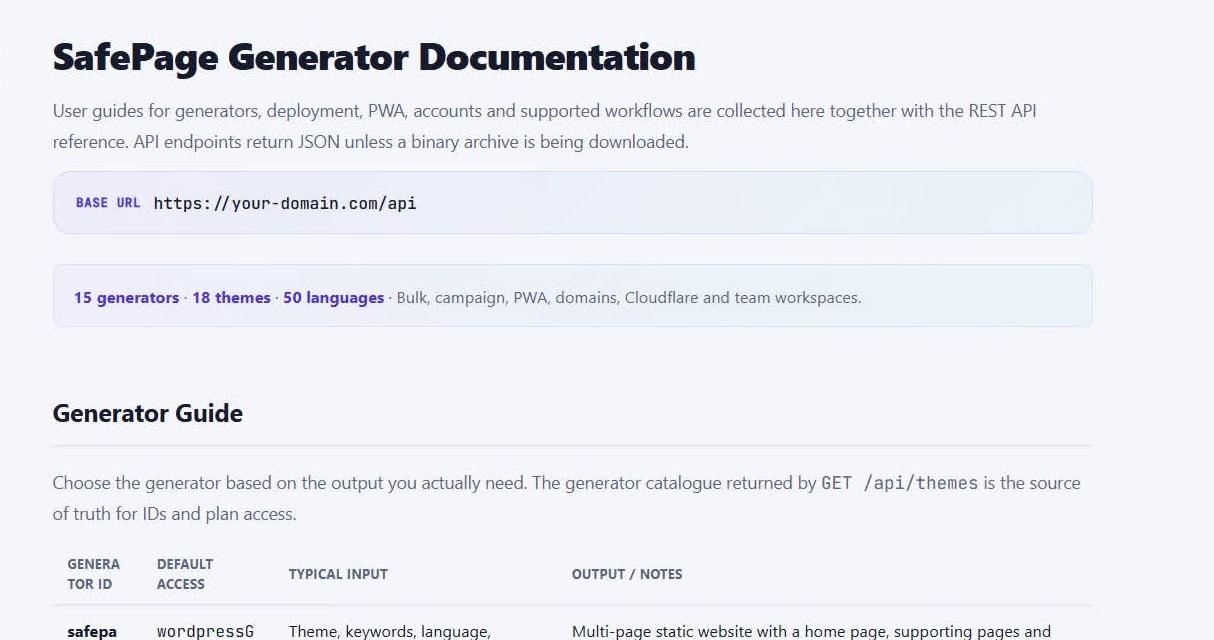
SafePage documentation: generators, languages and REST API.
What this looks like in a real affiliate workflow
Suppose you pick a new offer and decide to test it in another GEO. You already know the angle and destination, but you still need a page in the right language. Instead of turning that into a separate development task, put those inputs into the generator, review the result in Preview and take the ZIP into the campaign.
If the first test shows promise, repeat the same process for another language, another page type or several variants. SafePage does not replace the media buyer's decisions about the offer, angle or traffic source; it shortens the page-production step around those decisions.
How to try SafePage
A new account can start without a card. SafePage gives 3 free previews across AI Page, SafePage and WordPress Style, so you can run the core flow on a real task before choosing a paid package.
After the free previews, there is a small $25/month starter package intended as a way to try SafePage on real work. Higher-volume packages add larger limits and production features such as Bulk and API according to the current pricing table.
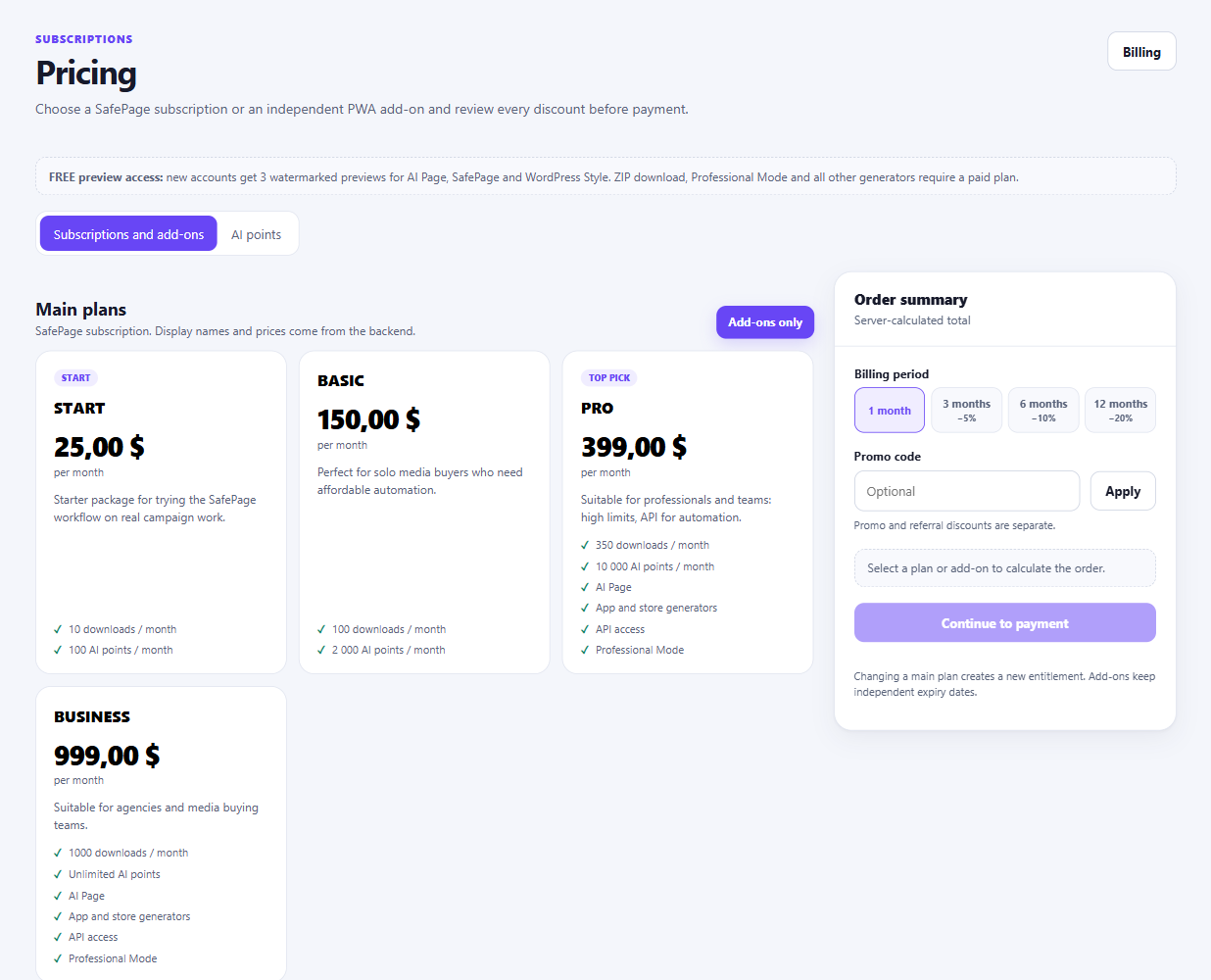
Pricing page: 3 free previews first, then the START package for trying SafePage on real campaign work.
Conclusion
For media buyers and affiliate teams, the value is mostly in repetition: new offer, new GEO, new language, new page variant. The more often that cycle happens, the more time page production can consume.
SafePage keeps the flow simple: enter the campaign inputs, generate the page, check it in Preview and take the finished ZIP. If you are testing new GEOs regularly, it is an easy workflow to try on one real campaign and compare with your current page-production process.
Want to start with nutra? Have questions about the case-study?
All the nutra is discussed now 24/7 in the telegram chat Nutra Affiliate Community
Quick help for beginners
Sweet cases for motivation
Exclusive bonuses from partners $$$$
Intelligent moderators and all support for affiliate network in one place